GLYDE is expected to officially launch on January 30, 2027.

Stay tuned for our official launch announcement and exclusive launch offers. More details about the launch campaign and upcoming benefits will be shared soon.

Thank you for being part of the GLYDE journey!
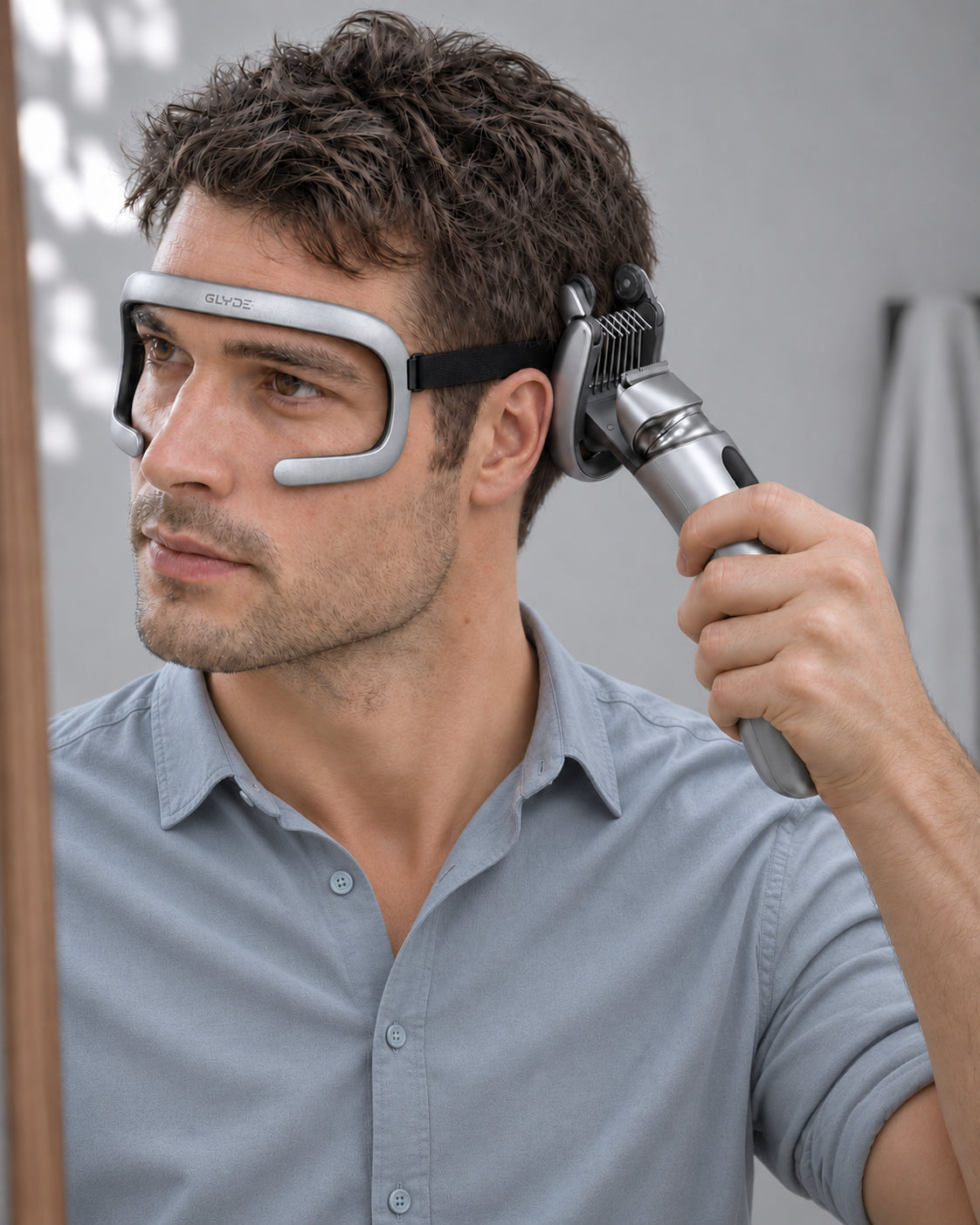
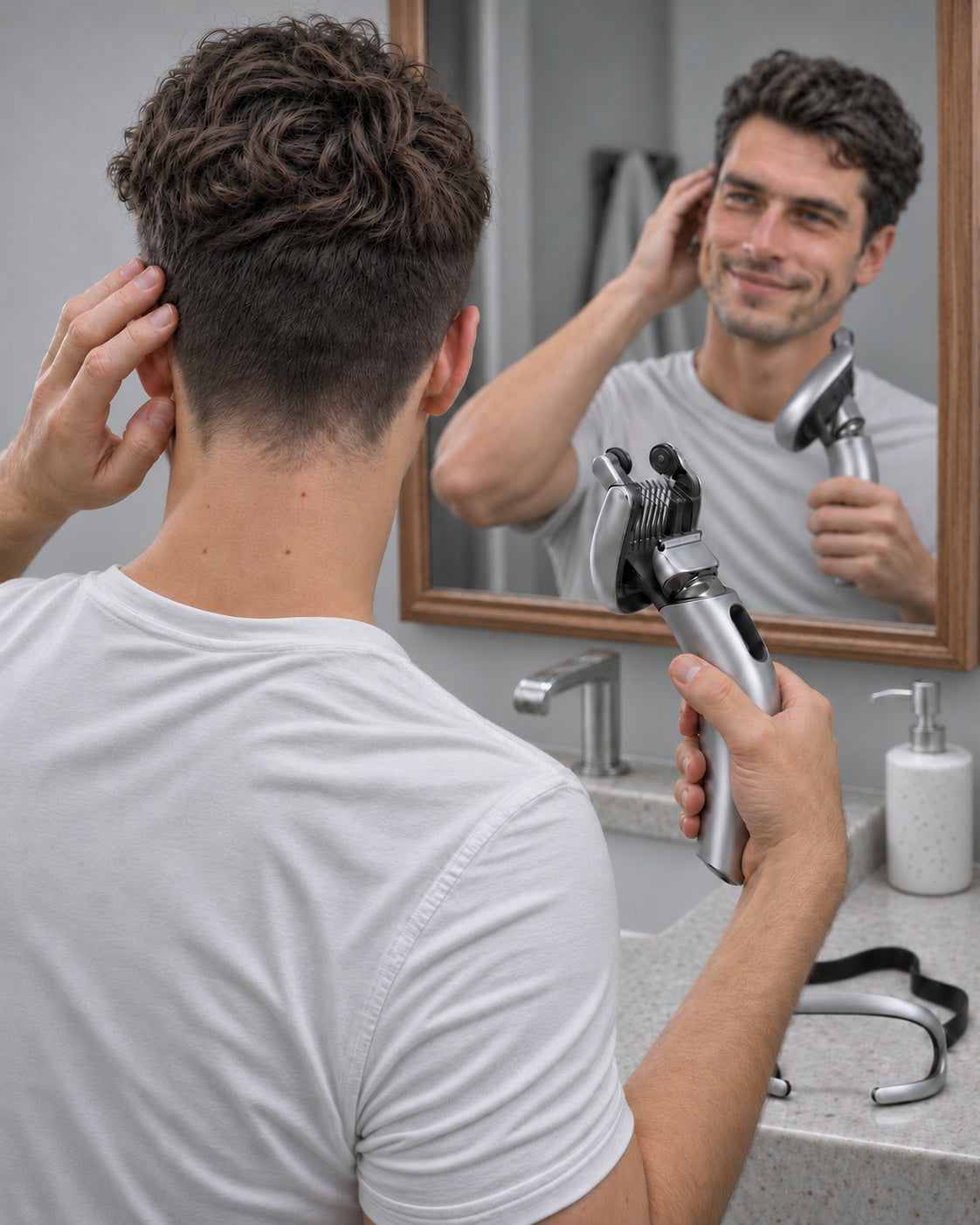
Made for Every Home Haircut

No Skills Needed

Quick, Consistent Cuts

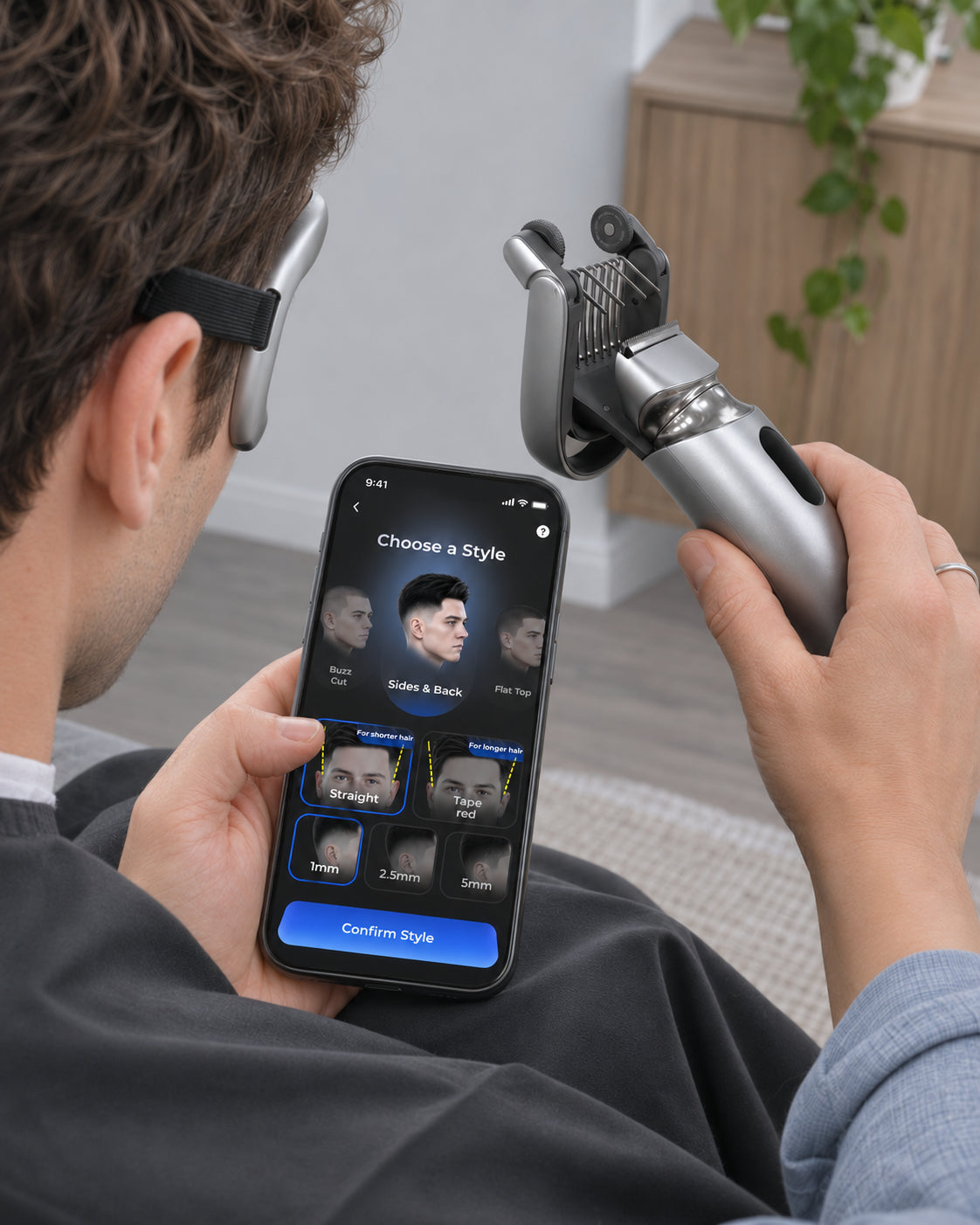
Guidance for Better Cuts

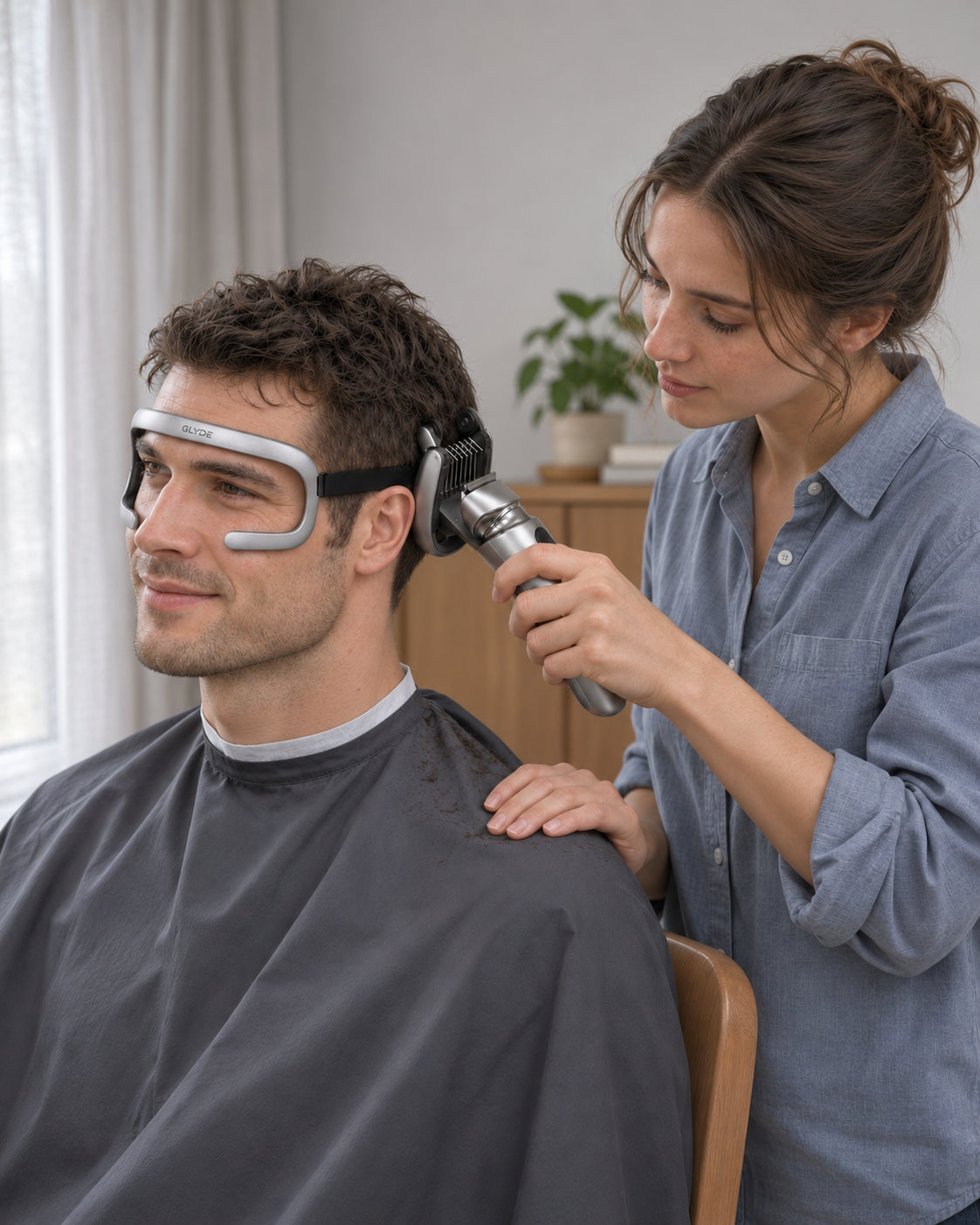
Confident Cuts for Families

Auto-Fade Technology

You Move. GLYDE Adjusts. 

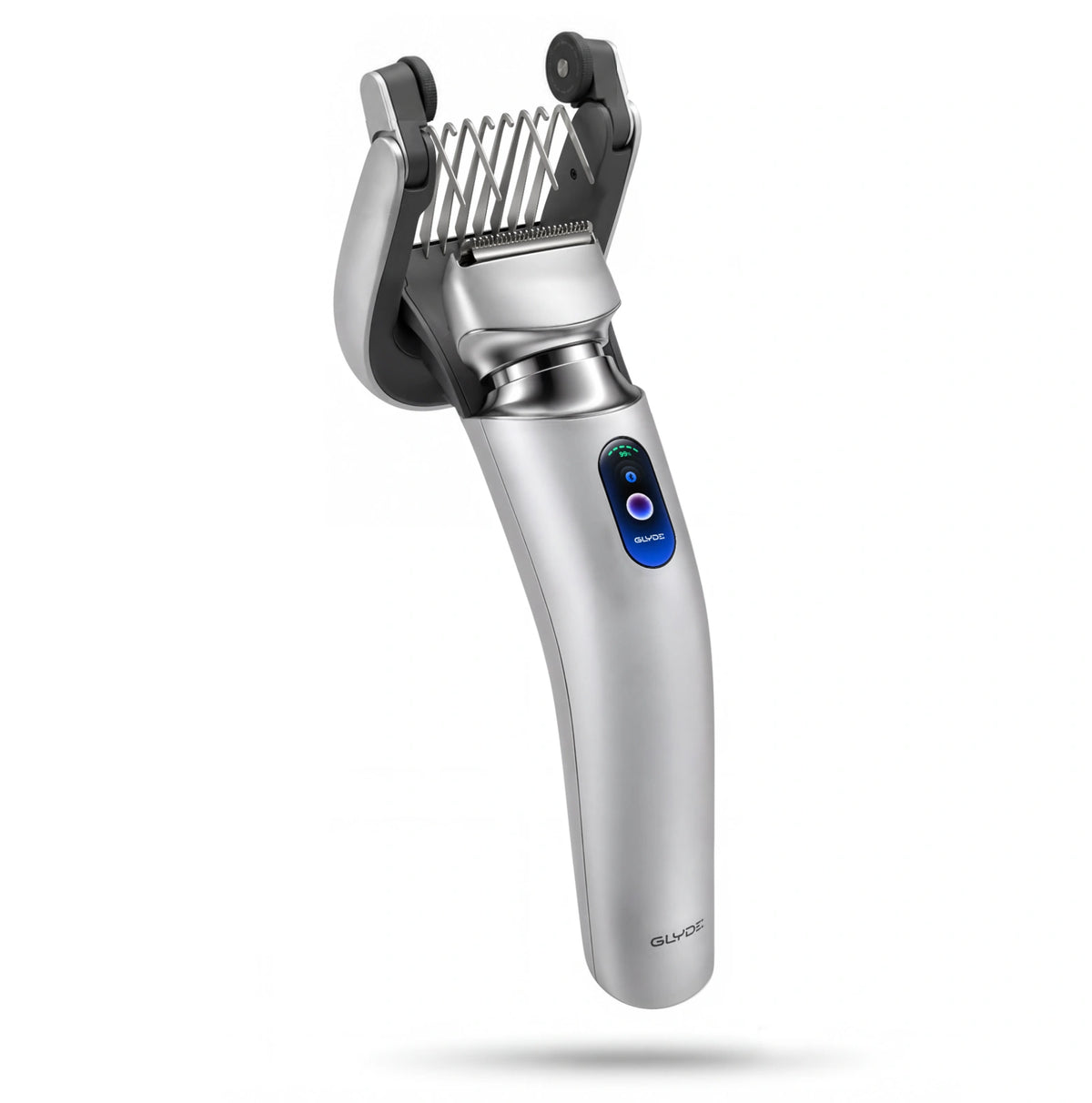
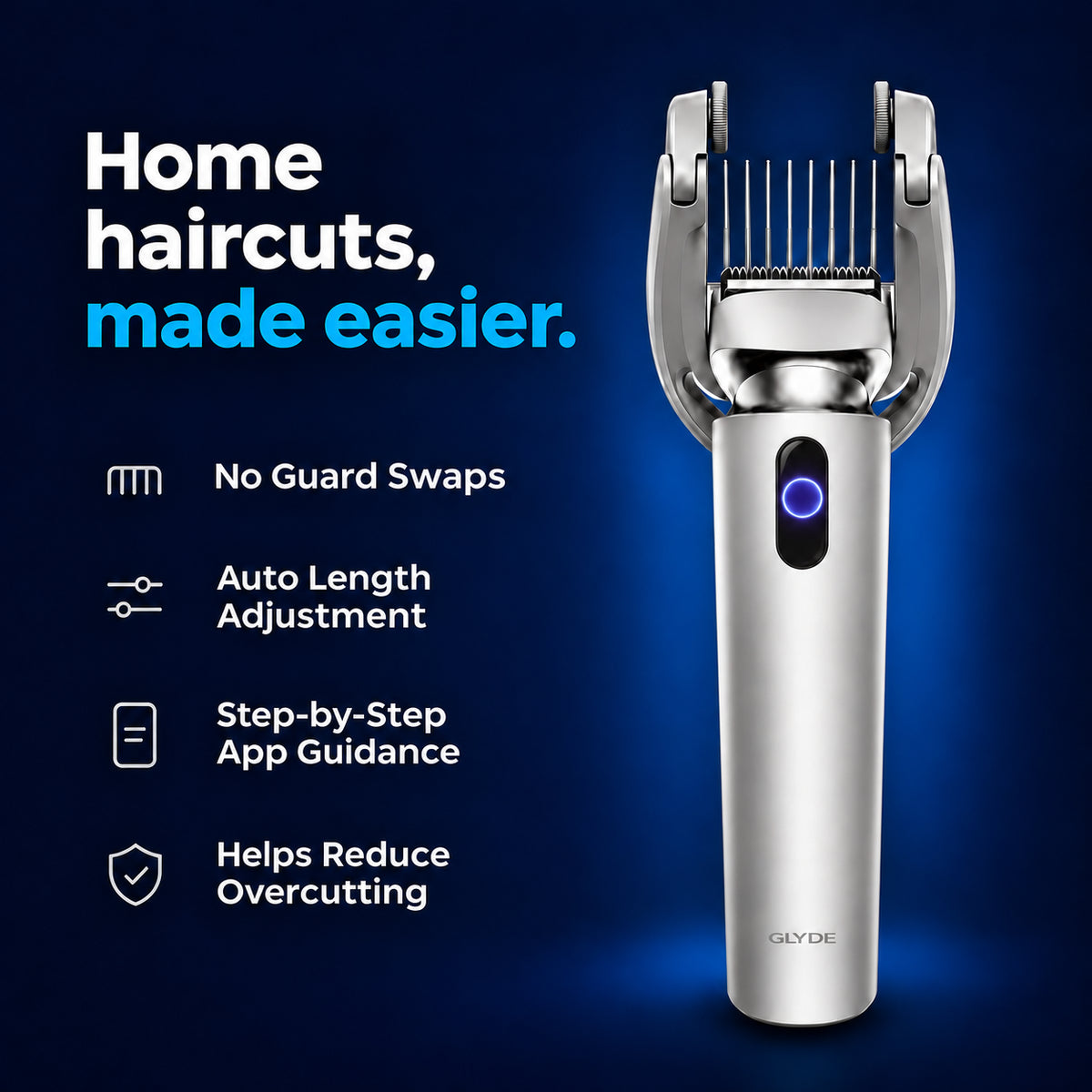
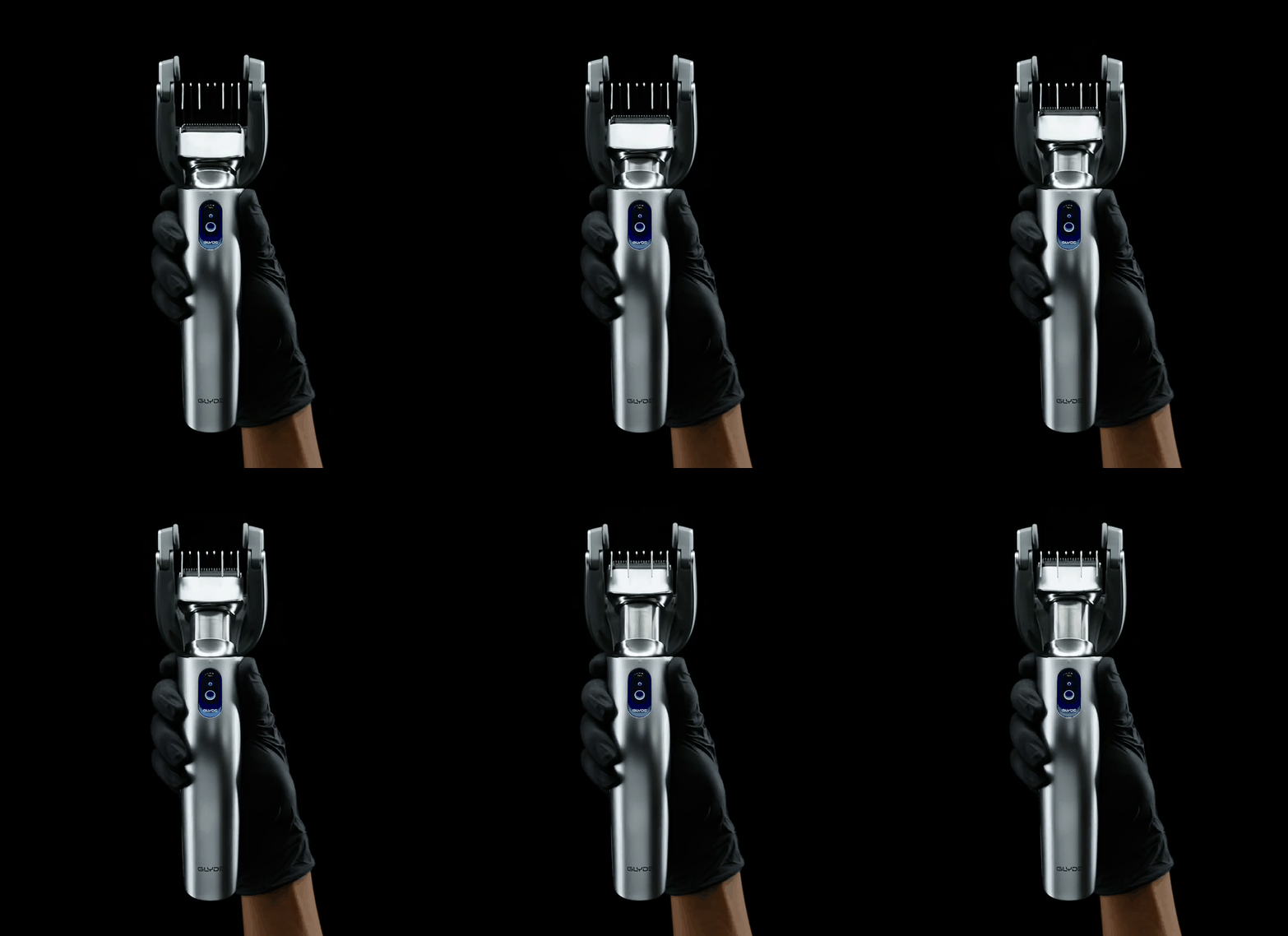
GLYDE brings sensing, intelligent control, and automatic length adjustment together. The Fade-band sets your starting point, while sensors track movement and orientation. The system calculates the target cutting length in real time and continuously adjusts the blade, making smooth fades easier to achieve.

Load video:

01  Set Your Starting Point

The Fade start Band establishes where your fade begins.

Load video:

02  GLYDE Tracks Your Movement

When the clipper head touches the Fade-Band, sensors activate and begin tracking your movement and orientation relative to that starting point.

Load video:

03  Adjust The Cutting Length

As you move GLYDE upward, the blade automatically lifts, gradually increasing the cutting length to create a smooth fade.

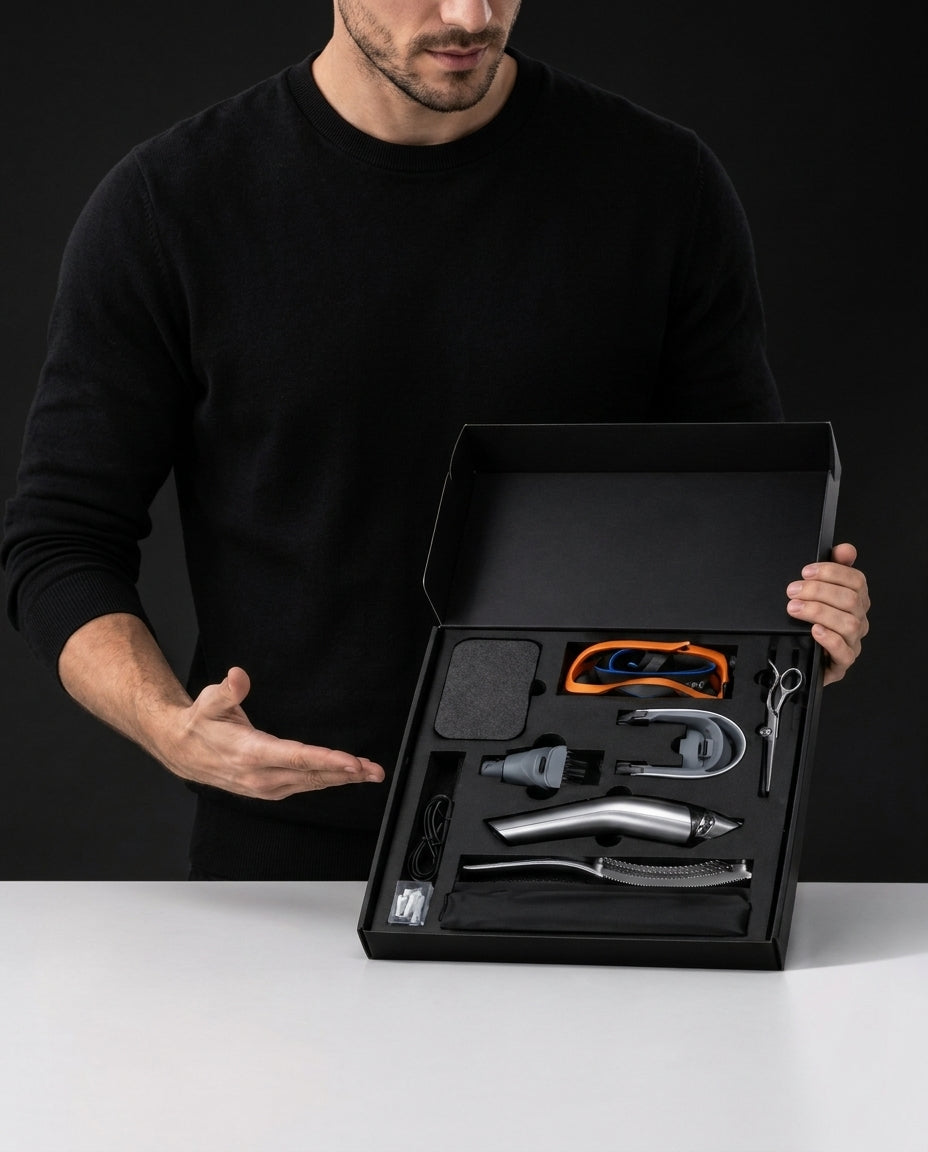
What's in the box?

  • U-shaped motion tracker
  • Guard
  • 2* FadeStart Bands
  • Shaving Guide Band
  • Flat comb
  • Fixed-length comb (with length-setting clip)
  • Thinning shears
  • Sponge wipe
  • Cape
  • Cleaning brush
  • Lubricant
  • USB cable
  • Quick Start Guide
  • User Manual
  • Warranty Card


Note: Actual contents and appearance are subject to the final release version.

FAQs

Please read our FAQs page to find out more.

 Is GLYDE beginner-friendly? 

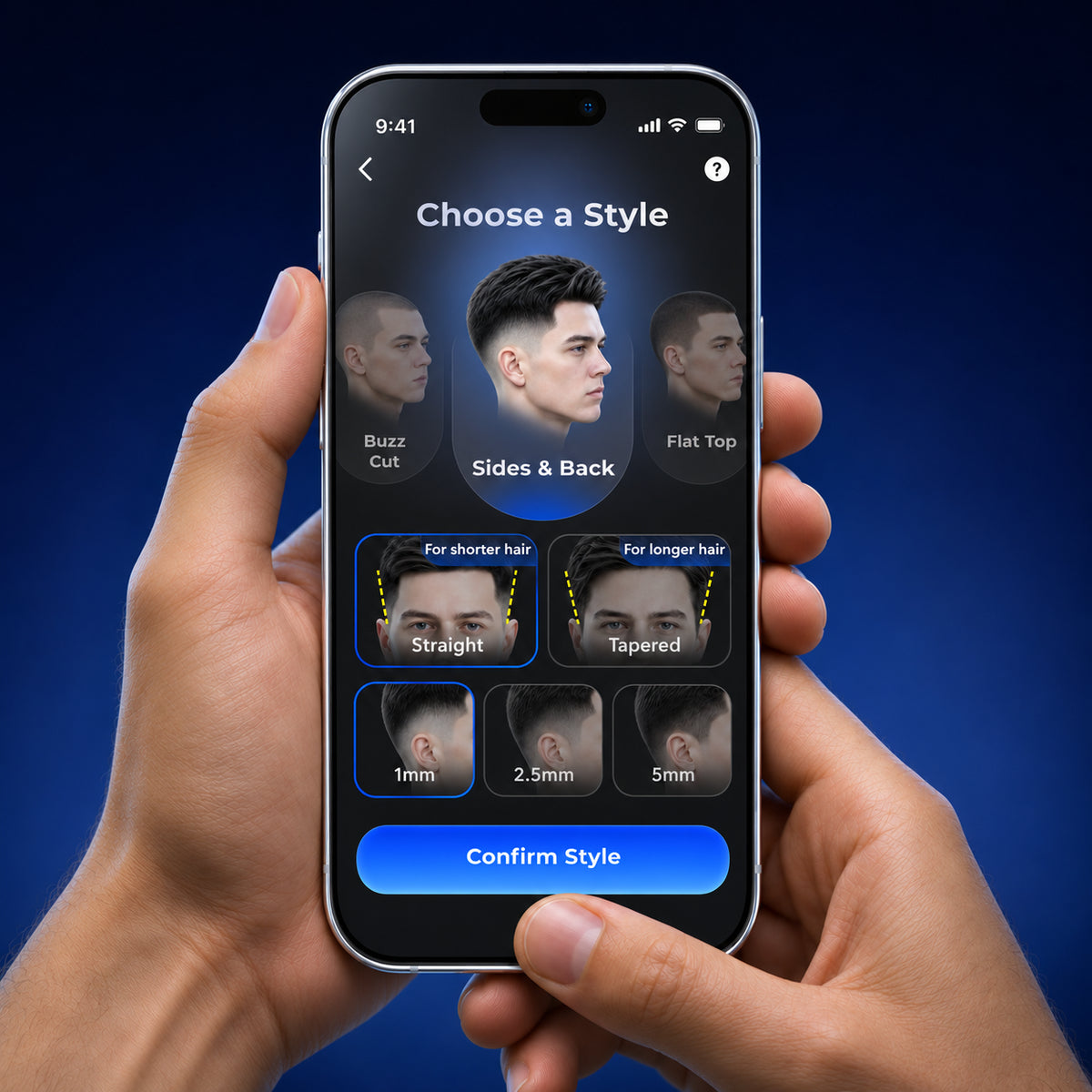
Yes. GLYDE is designed for people with little or no haircutting experience. Simply choose a hairstyle in the app and follow the step-by-step visual and audio guidance. As you cut, GLYDE automatically adjusts the blade to help you achieve a smooth, even result.

 How does GLYDE create an automatic fade? 

Built-in sensors track the clipper’s movement distance, speed, tilt, and angle in real time. GLYDE then automatically adjusts the cutting length as you move. The fade-band marks where the fade should begin, helping create a smooth and consistent transition between lengths.

 Can I use GLYDE to cut my own hair? 

Yes. GLYDE is designed to make self-haircuts easier with step-by-step guidance in the app. If it’s your first time, we recommend starting with a simple style, taking your time, and using a mirror for areas that are harder to see.

What hairstyles and hair types does GLYDE support? 

GLYDE is designed primarily for short hairstyles, including buzz cuts, crew cuts, side parts, fades, tapers, and side-and-back touch-ups. It is not currently designed for long hairstyles, very curly hair, or skin fades.

 How does GLYDE help prevent mistakes? 

GLYDE continuously monitors how you move and holds the clipper. If you move too quickly or use an incorrect angle, it can adjust the cutting length and provide guidance to help reduce harsh lines, uneven transitions, and accidental overcutting. For the best results, follow the app and move slowly and steadily.

 Does the GLYDE app work offline? 

Yes. Once you’ve completed the initial setup and downloaded your chosen hairstyle, you can follow the guidance without Wi-Fi or mobile data. You’ll still need an internet connection to download new styles, sync content, and install updates.

How long does the battery last, and how do I clean GLYDE? 

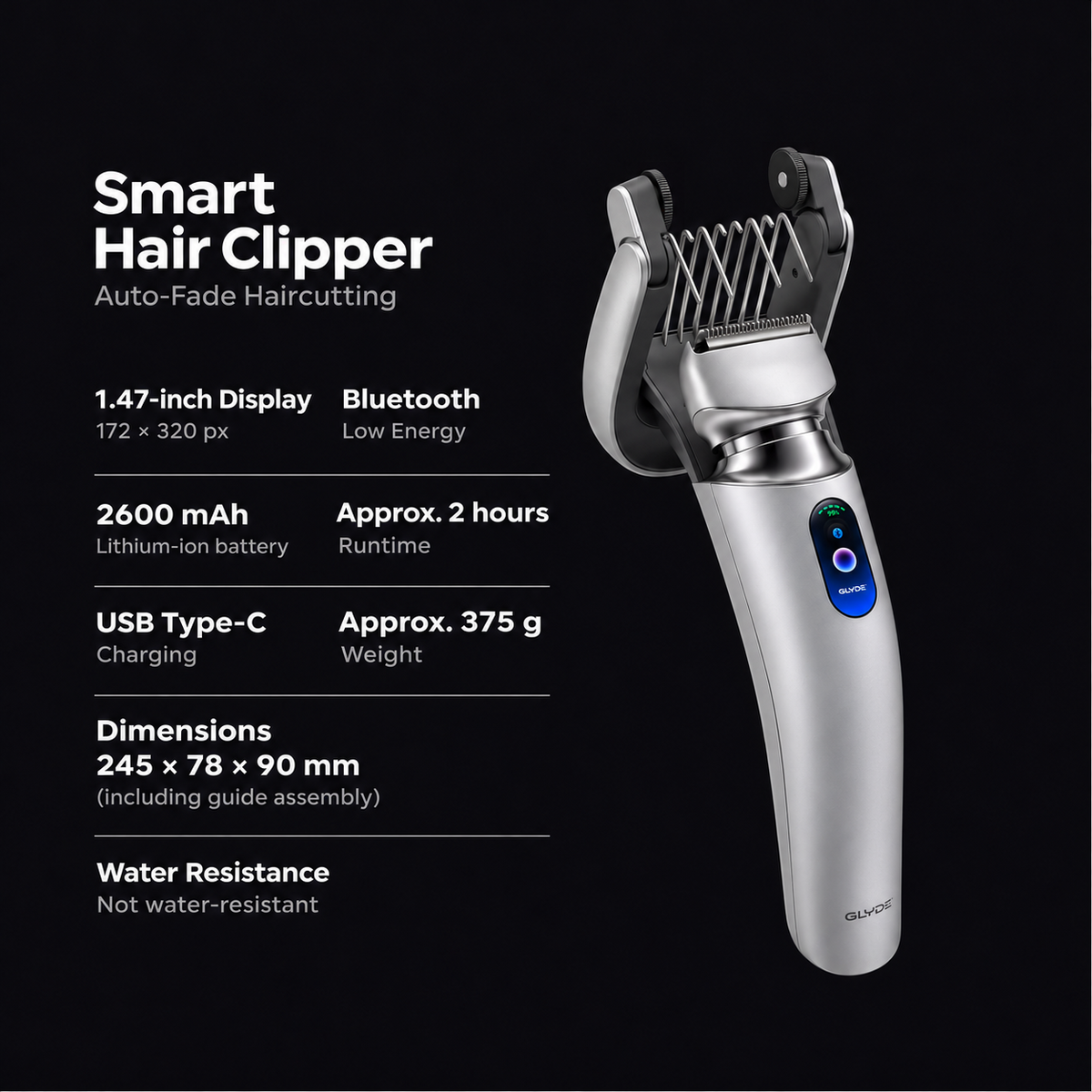
GLYDE has a 2600mAh battery and provides approximately two hours of runtime on a full charge. It charges via USB-C. GLYDE is not waterproof, so do not rinse or submerge it in water. After each use, clean the blade with the included brush and apply lubricating oil as needed.